
In today’s business environment, securing your facility is about more than just locks and keys. Access control systems provide a modern solution to manage who can enter your buildings, offices, or restricted areas—and when. For business owners, facility managers, and IT teams, understanding the different types of access control technologies is key to protecting people, assets, and sensitive information.
This guide breaks down the basics of access control systems, explains common technologies, and highlights the benefits of implementing a professional solution.

- What Is an Access Control System?
An access control system is a security solution that regulates who can enter specific areas within a facility. Instead of relying on traditional keys—which can be lost, copied, or stolen—access control systems use electronic credentials, devices, and software to manage permissions.
Key purposes of access control include:
- Protecting sensitive areas such as server rooms, laboratories, or storage spaces
- Monitoring and logging employee entry and exit times
- Integrating with other security systems like video surveillance and alarms
- Enhancing overall safety for employees, visitors, and assets
- Types of Access Control Credentials
Modern access control systems support a variety of credential types, each with its own advantages:
Proximity Cards
- Use physical ID cards embedded with RF ID chips
- Can function as an ID badge
- Common in offices, schools, and warehouses
Key Fobs
- Small, portable devices that employees carry on keychains
- Operate similarly to proximity cards
- Often preferred in facilities with frequent access changes or mobile personnel
Mobile Credentials
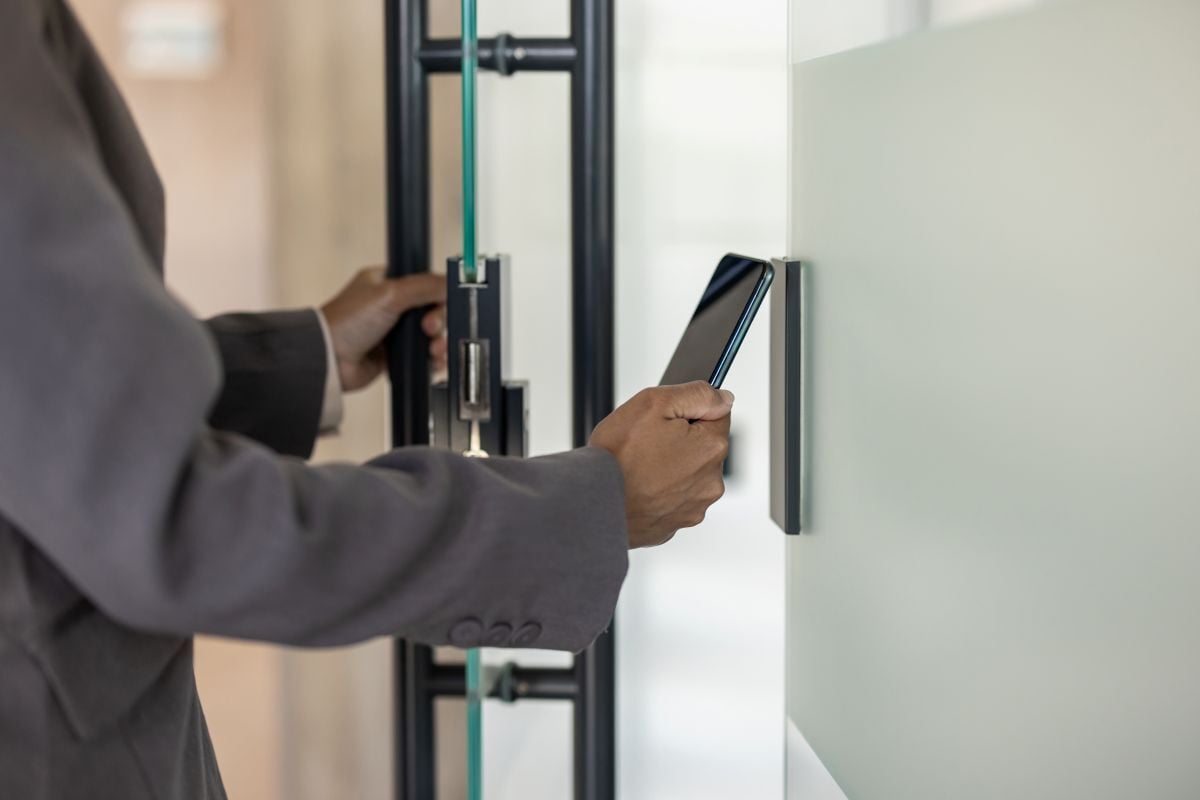
- Allow access through smartphones using Bluetooth, NFC, or QR codes
- Eliminates the need for physical cards
- Enables remote management, such as issuing temporary credentials to visitors
Biometrics
- Identify individuals based on unique physical characteristics like fingerprints, facial recognition, or iris scans
- Highly secure, as credentials cannot easily be duplicated
- Often used in contactless or high-security environments like data centers or research labs
- Common Access Control System Configurations
Businesses can implement access control systems in several ways depending on their security needs:
- Standalone Systems
- Each door has its own controller and database
- Suitable for small facilities with limited access points
- Cost-effective, but harder to manage at scale
- Networked Systems
- Centralized software manages multiple doors and locations
- Can integrate with video surveillance and intrusion detection
- Ideal for mid-size and large businesses
- Cloud-Based Systems
- Credentials, logs, and access permissions are managed online
- Enables remote monitoring and control from anywhere
- Scalable and easily updated with new users or doors
- Benefits of Implementing an Access Control System
Investing in an access control system provides both security and operational advantages:
- Enhanced Security: Prevents unauthorized entry and reduces the risk of theft or workplace incidents
- Audit Trails: Logs every entry and exit, which is useful for investigations, payroll, and compliance reporting
- Scalability: Add or remove users and doors as your business grows
- Integration: Works alongside video surveillance, fire alarms, and intrusion systems to create a unified security strategy
- Flexibility: Grant temporary or time-specific access to contractors, visitors, or cleaning staff
- Best Practices for Access Control Implementation
To get the most out of an access control system, businesses should consider these best practices:
- Conduct a Security Assessment
- Identify high-risk areas and critical entry points
- Determine which credential types are most appropriate for each zone
- Segment Access Levels
- Limit access based on roles and responsibilities
- Ensure sensitive areas are only accessible to authorized personnel
- Regularly Update Credentials
- Revoke lost or stolen cards and fobs immediately
- Rotate temporary credentials to maintain security
- Train Employees
- Teach staff how to use access credentials properly
- Educate them on the importance of not sharing credentials
- Integrate with Other Systems
- Link access control to video surveillance for visual verification
- Connect to intrusion alarms for automatic responses to unauthorized entry attempts
- Common Mistakes to Avoid
Even with an access control system, businesses can make errors that reduce effectiveness:
- Using outdated or unsupported technology
- Granting unnecessary access to multiple employees
- Neglecting software updates or system maintenance
- Failing to document and monitor access logs regularly
Proactively addressing these mistakes ensures your system works as intended.
- Planning for the Future
Modern access control systems continue to evolve with technology:
- AI-Powered Analytics: Detect suspicious patterns, like repeated access attempts at unusual hours
- Mobile-First Access: Smartphone credentials will increasingly replace physical cards
- Cloud and IoT Integration: Seamless connectivity with other building systems, creating smarter, more responsive facilities
By staying informed about emerging trends, businesses can future-proof their security while maximizing efficiency.
- Conclusion
Access control systems are a cornerstone of modern business security. Whether using card readers, fobs, mobile credentials, or biometrics, these systems allow organizations to regulate access, monitor activity, and protect assets effectively.
Implementing a professional access control solution ensures:
- Secure entry to critical areas
- Clear audit trails for compliance and investigation
- Integration with other security technologies
- Scalability to match your business growth
Koorsen Fire & Security helps businesses design, install, and maintain access control systems tailored to their specific needs. Contact Koorsen today to protect your employees, assets, and reputation while embracing the latest technology.